
Artwork Guidelines
What are raster image files?
Vector artwork is preferred whenever possible, but high-resolution raster images (such as photographic artwork) work well for print, too.
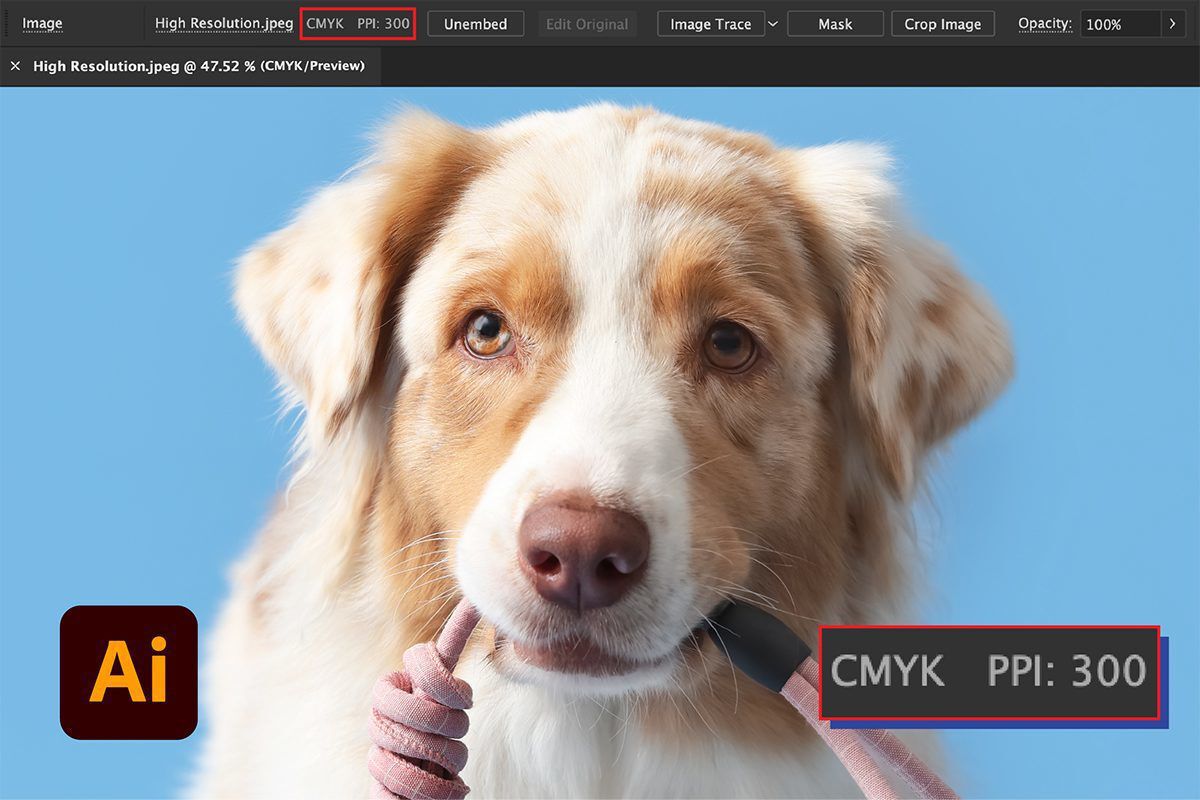
We recommend that raster images be provided as high-resolution files. This means the image resolution is at least 300 ppi at the physical print size, and that the artwork is crisp and clear when viewed at 400% zoom. Regardless of how it may look on screen, if the artwork does not meet these recommendations, it's unlikely to print well.
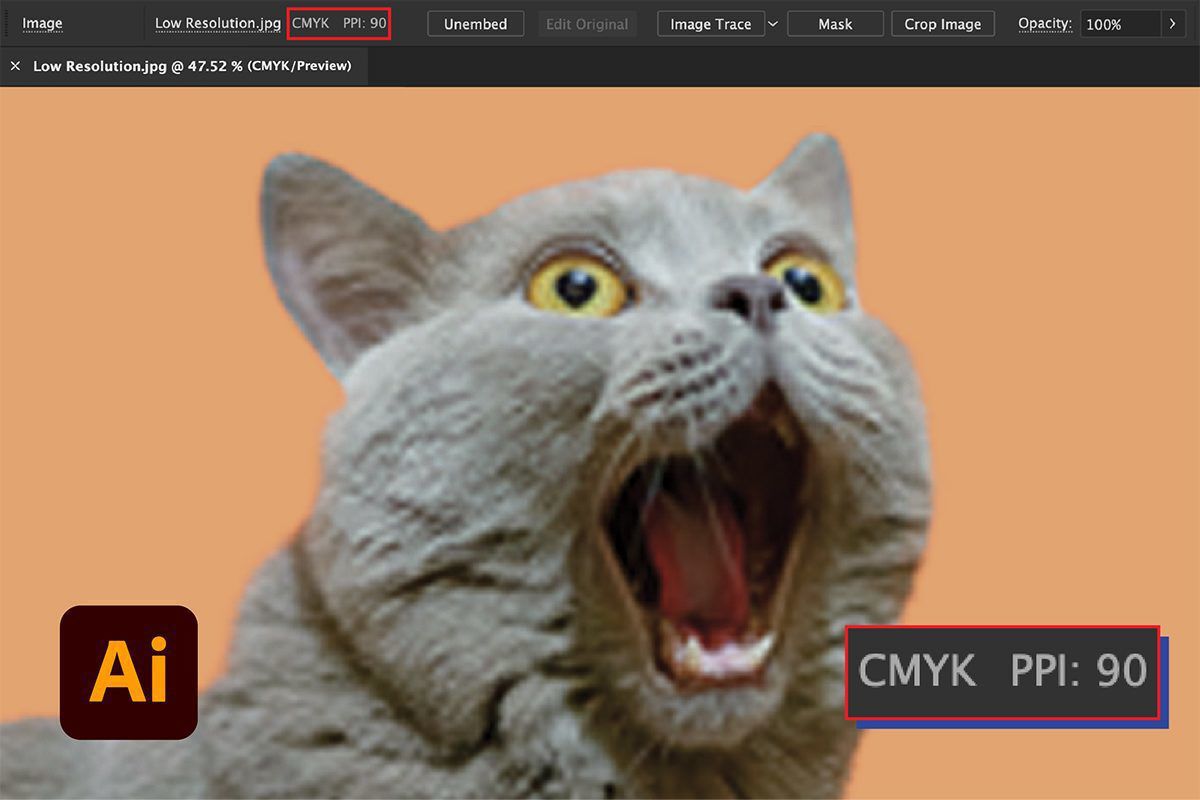
Using a high-quality image helps ensure printed details are sharp. Raster artwork at a lower resolution may be blurry, pixelated, or choppy in print.
The image shown here is low resolution at 90 ppi. You can clearly see pixelation that will translate onto the final printed boxes:
The image shown below is high resolution at 300 ppi. The artwork will print clearly:
We do not recommend taking a low-resolution image and trying to resample/resize it to 300 ppi. Doing so merely stretches the image, as detail cannot be added to a raster image in conventional software. You may wish to try an AI-based image enhancer to see if the results it gives are acceptable to you.
Acceptable types of high-resolution raster files include:
- .PSD files (Photoshop)
- .TIF files
- .PNG files
- .JPG files
- .PDF files containing high-resolution raster images
- .AI files containing high-resolution raster images
- .EPS files containing high-resolution raster images
Are you creating artwork to print on your own packaging products? Read Packlane’s Artwork Guidelines to learn how to design for print like a pro.