
Artwork Guidelines
My Account
Managing Your AccountOrdering & Samples
Get Help OrderingShipping & Packaging
Prepare for ShippingProduct Information
Learn About Our ProductsPricing & Tax
Understanding Pricing & TaxPrinting 101
Understand the Printing ProcessProofing
Will I see a proof for my order? How do I know if my art is printable?
How do I view a 3D proof?
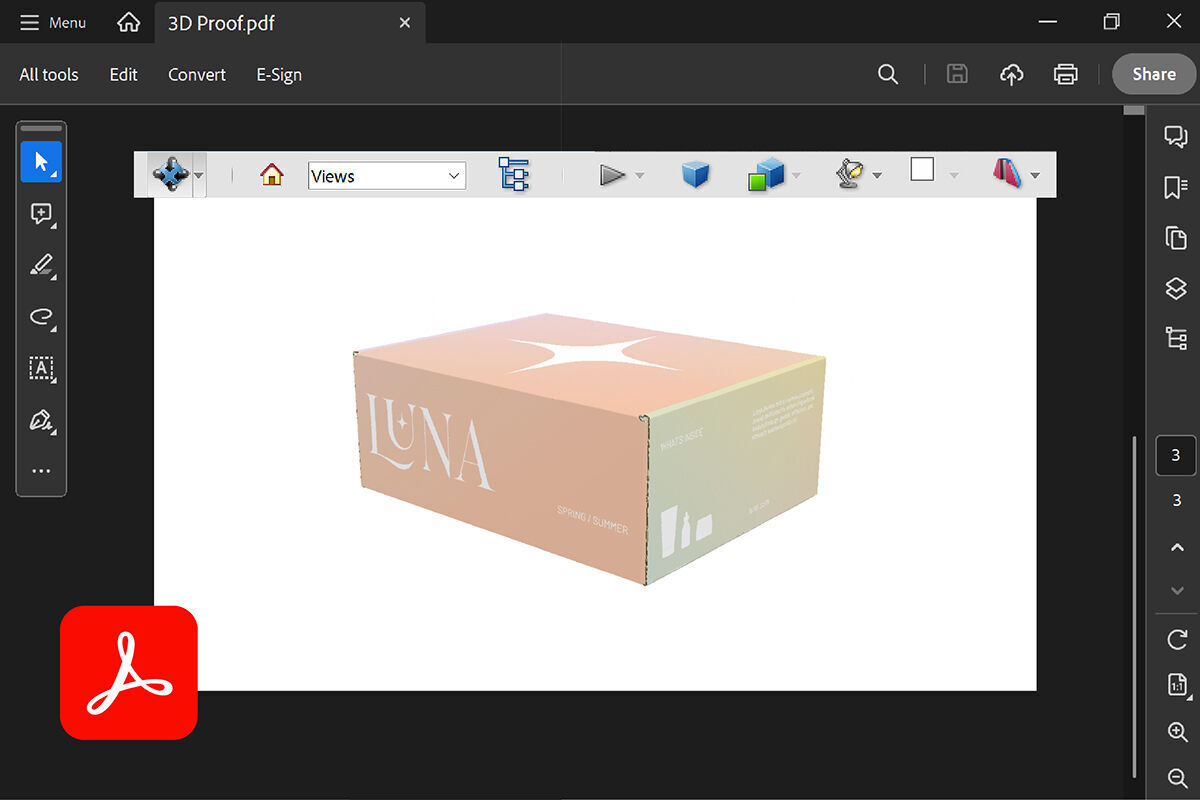
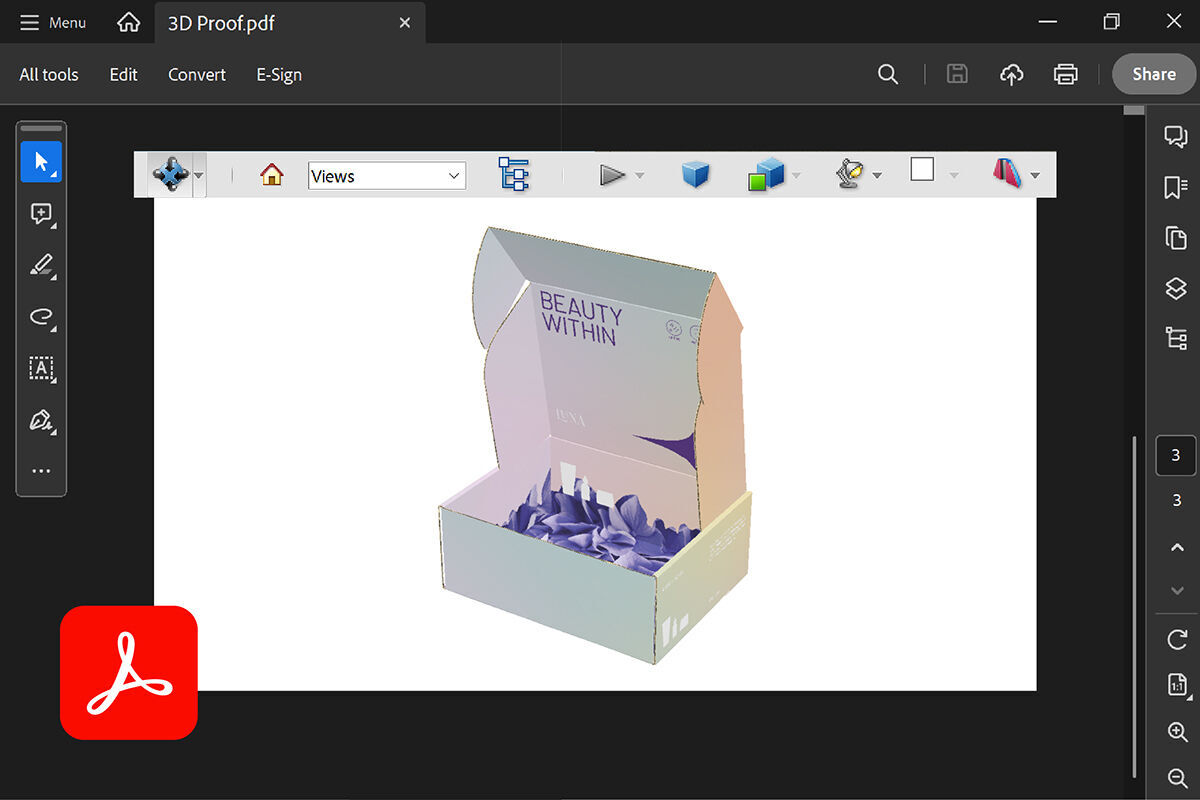
1. Download or save the proof file to your computer.
3. From within the Adobe application , click File > Open and select the 3D file you saved to your computer.
Please note that double-clicking the file name to open the file may not work properly.
Please note that double-clicking the file name to open the file may not work properly.
4. When you open the file, you'll see a yellow warning about its active content. Click the dropdown on the right and select Trust this document always .
5. Click your cursor anywhere on the screen, and the interactive view will appear.
6. From here, you can click and drag to rotate the view and inspect the box design from all angles.
How do I resolve notes that were sent with my proof (artwork concerns)?